Top of page
LIT Bible

A New Testament that's for everyone.

The Liberation & Inclusion Translation — a fresh, opinionated rendering from the Greek, crafted with the marginalized in the front row — now also in your front pocket.

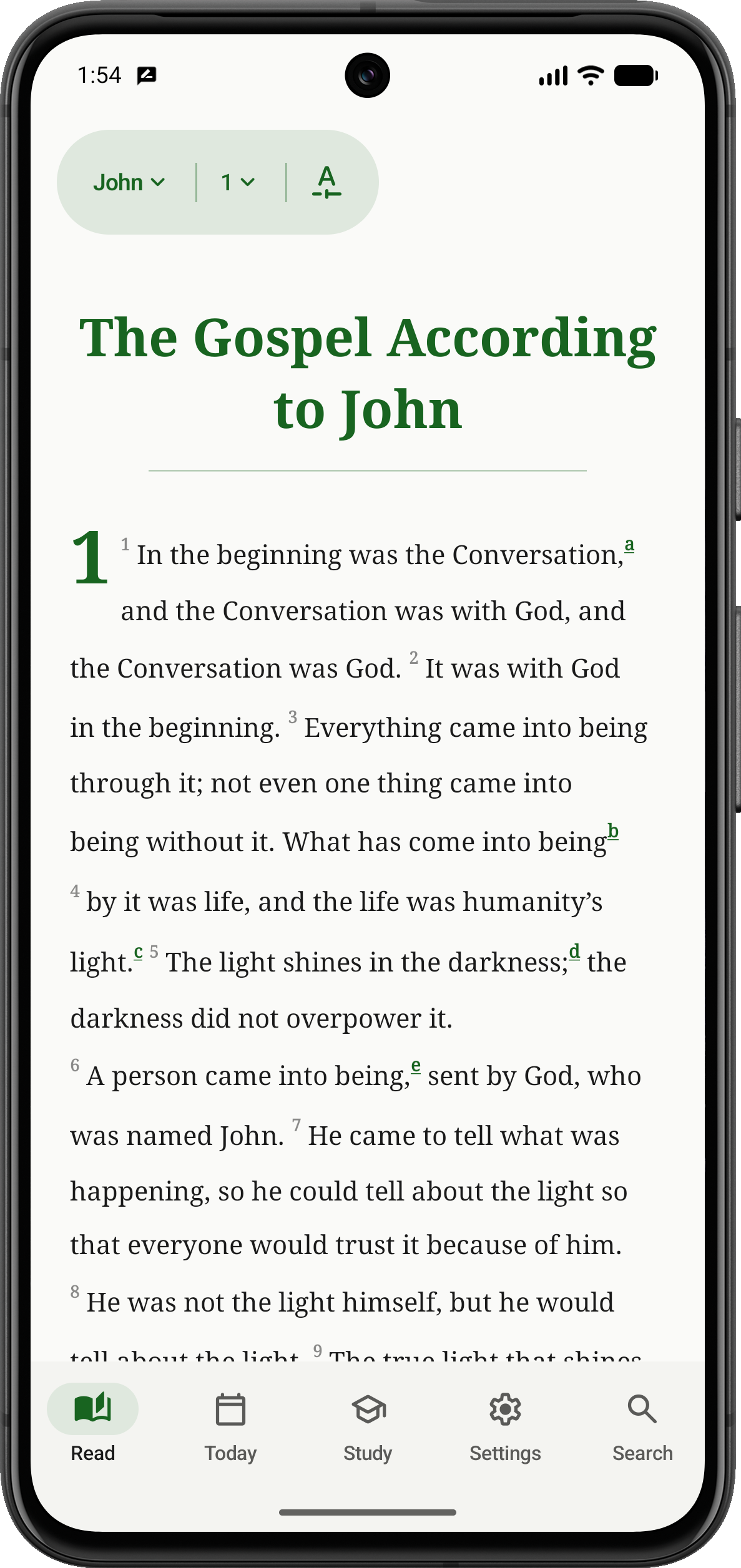
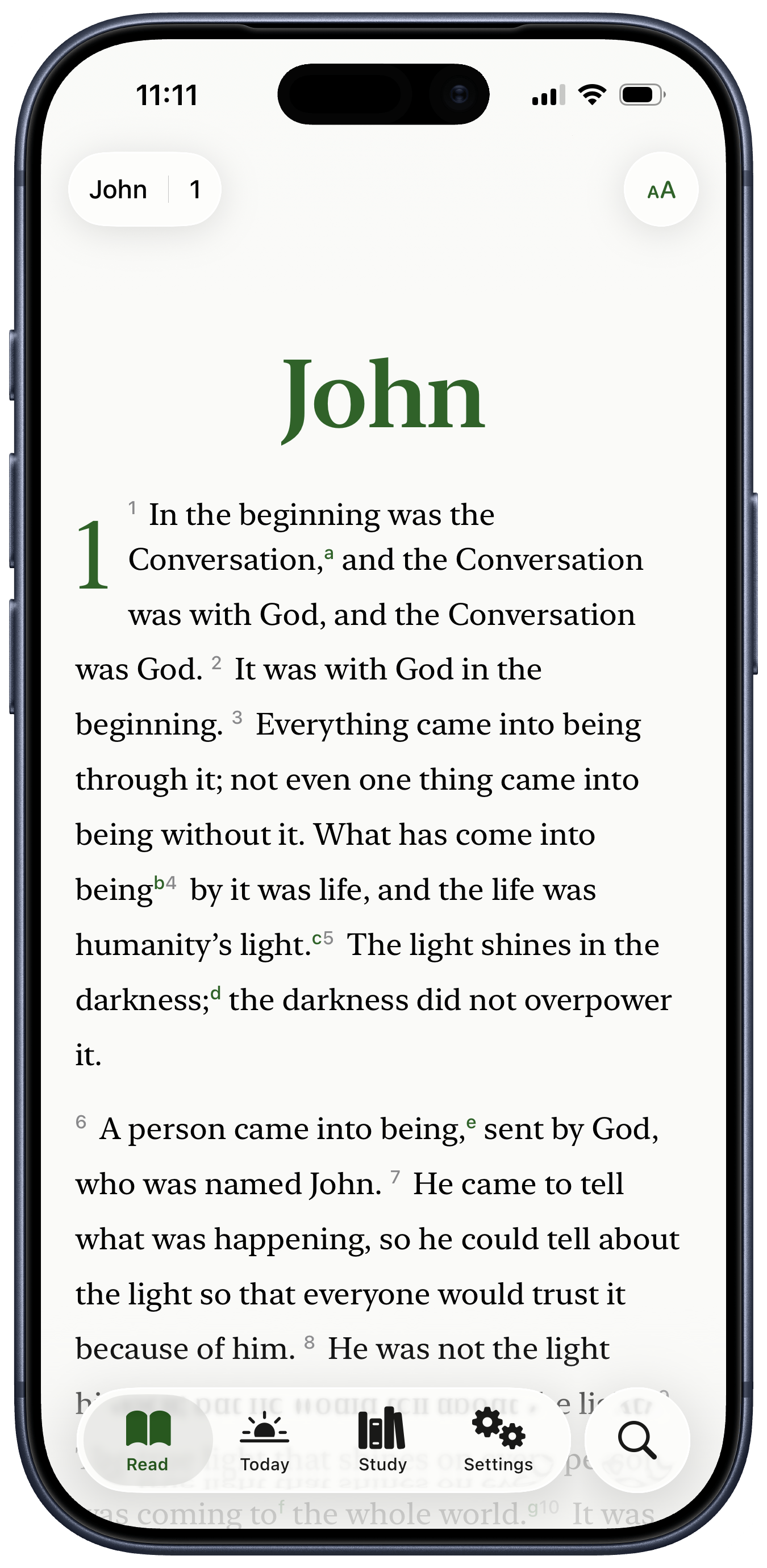
LIT Bible on Android, showing John 1 — 'In the beginning was the Conversation' LIT Bible on iPhone, showing John 1 — 'In the beginning was the Conversation'
A first taste

What does it actually read like?

John 1:1–5

LIT

In the beginning was the Conversation, and the Conversation was with God, and the Conversation was God. It was with God in the beginning. Everything came into being through it; not even one thing came into being without it.

What has come into being by it was life, and the life was humanity's light. The light shines in the darkness; the darkness did not overpower it.

NRSV

In the beginning was the Word, and the Word was with God, and the Word was God. He was in the beginning with God. All things came into being through him, and without him not one thing came into being.

What has come into being in him was life, and the life was the light of all people. The light shines in the darkness, and the darkness did not overcome it.

Traditional versions render logos as 'Word'; LIT translates it as 'Conversation' — stressing relational communication over static decree.
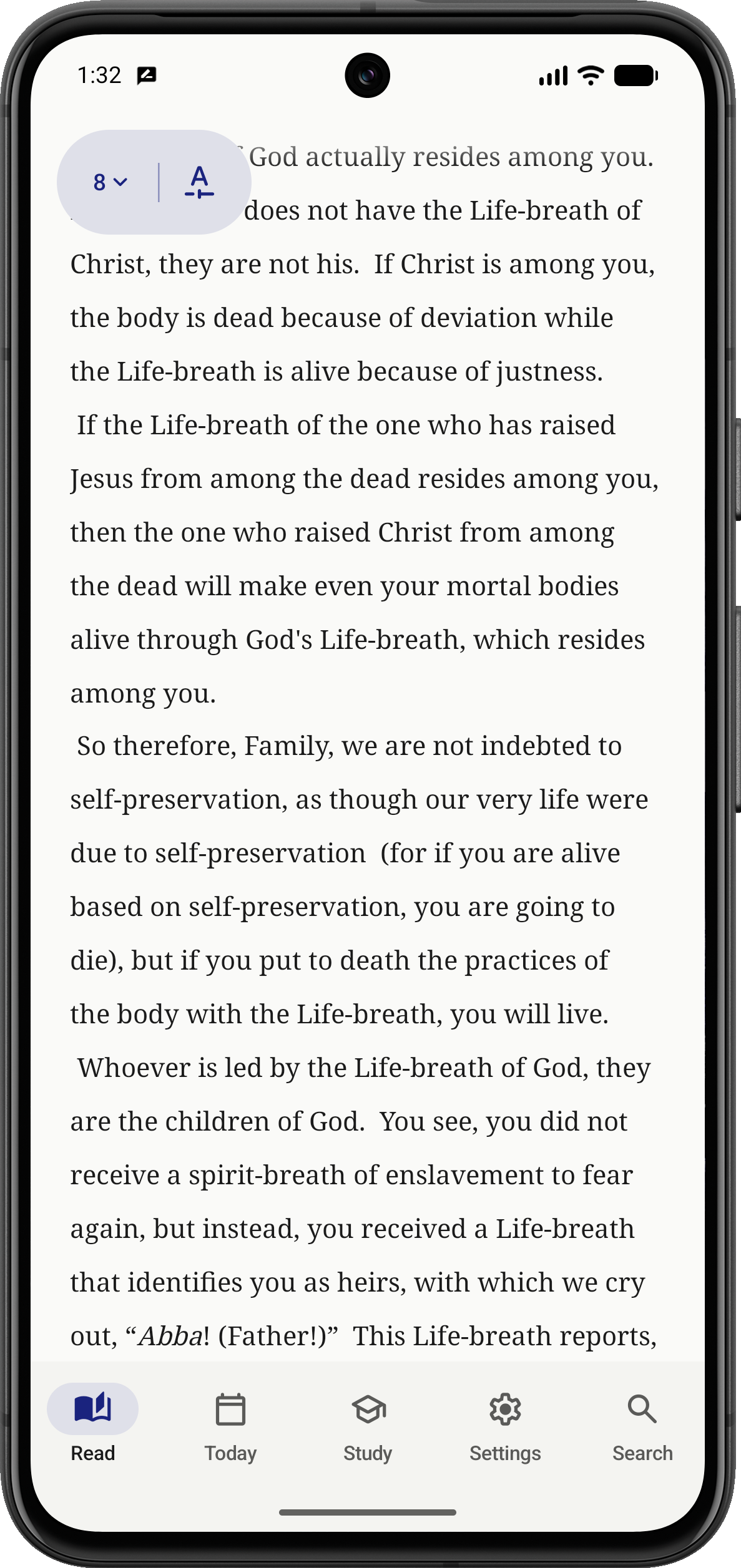
Read the Bible as literature...

Enjoy each gospel, epistle, and antifascist apocalyptic tract as literature: hide chapter drop-caps, verse markers, and footnotes. Scroll through the entire book without a Next button between artificial chapters.

Android light mode: Read the Bible as literature...

...Or nerd out. Hard.

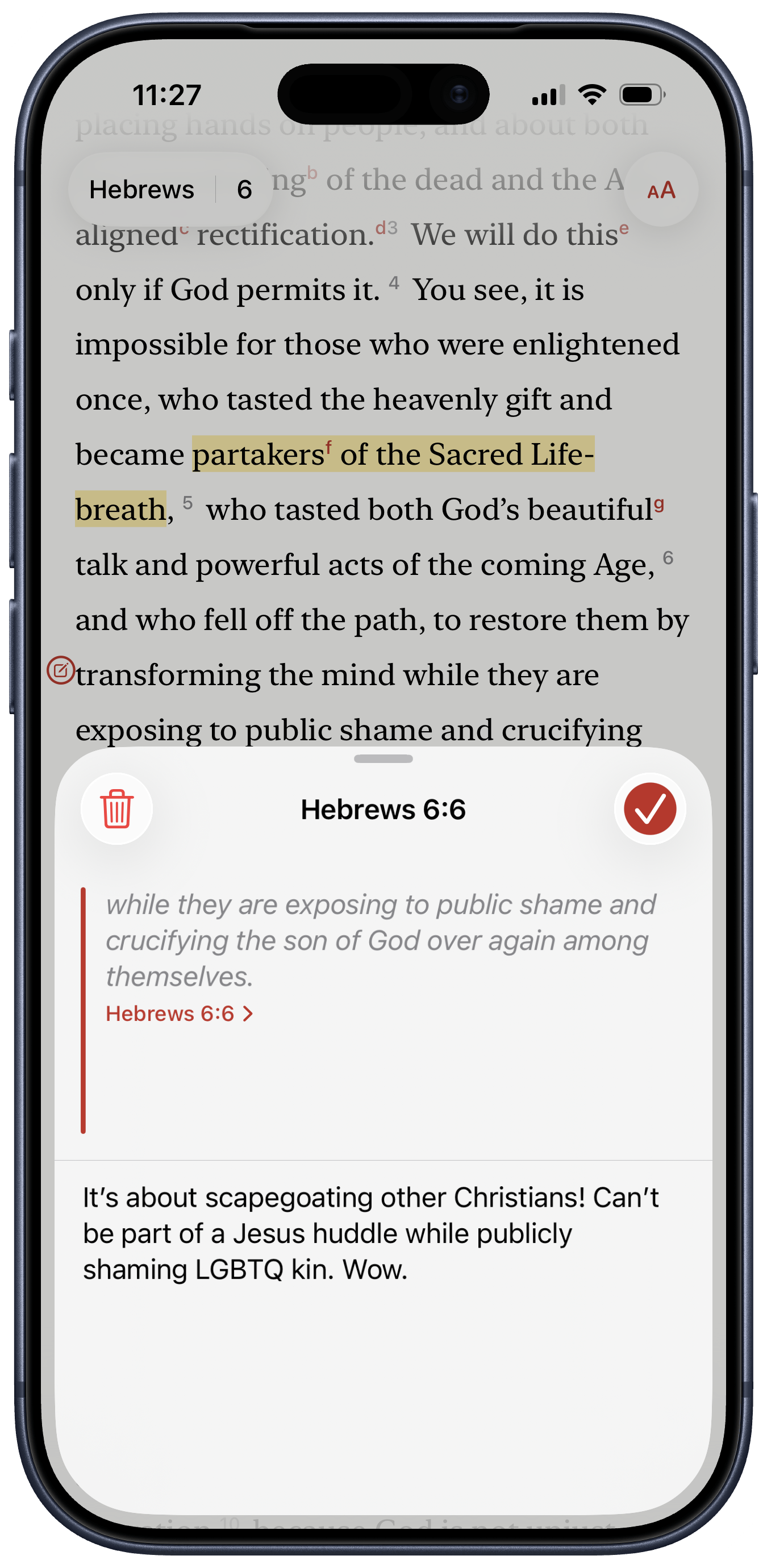
Unleash your special interest zeal with thousands of exceptionally nerdy footnotes, historical context detours, and trauma-informed analysis. Then, make it your own with four highlighter colors and an intuitive inline note tool.

iOS dark mode: ...Or nerd out. Hard.

Read with the church all year.

Next Sunday’s readings from the Revised Common Lectionary are always a tap away. Or settle into one of our growing reading plans — a whole year, one day at a time.

iOS light mode: Read with the church all year.

Mark sacred time.

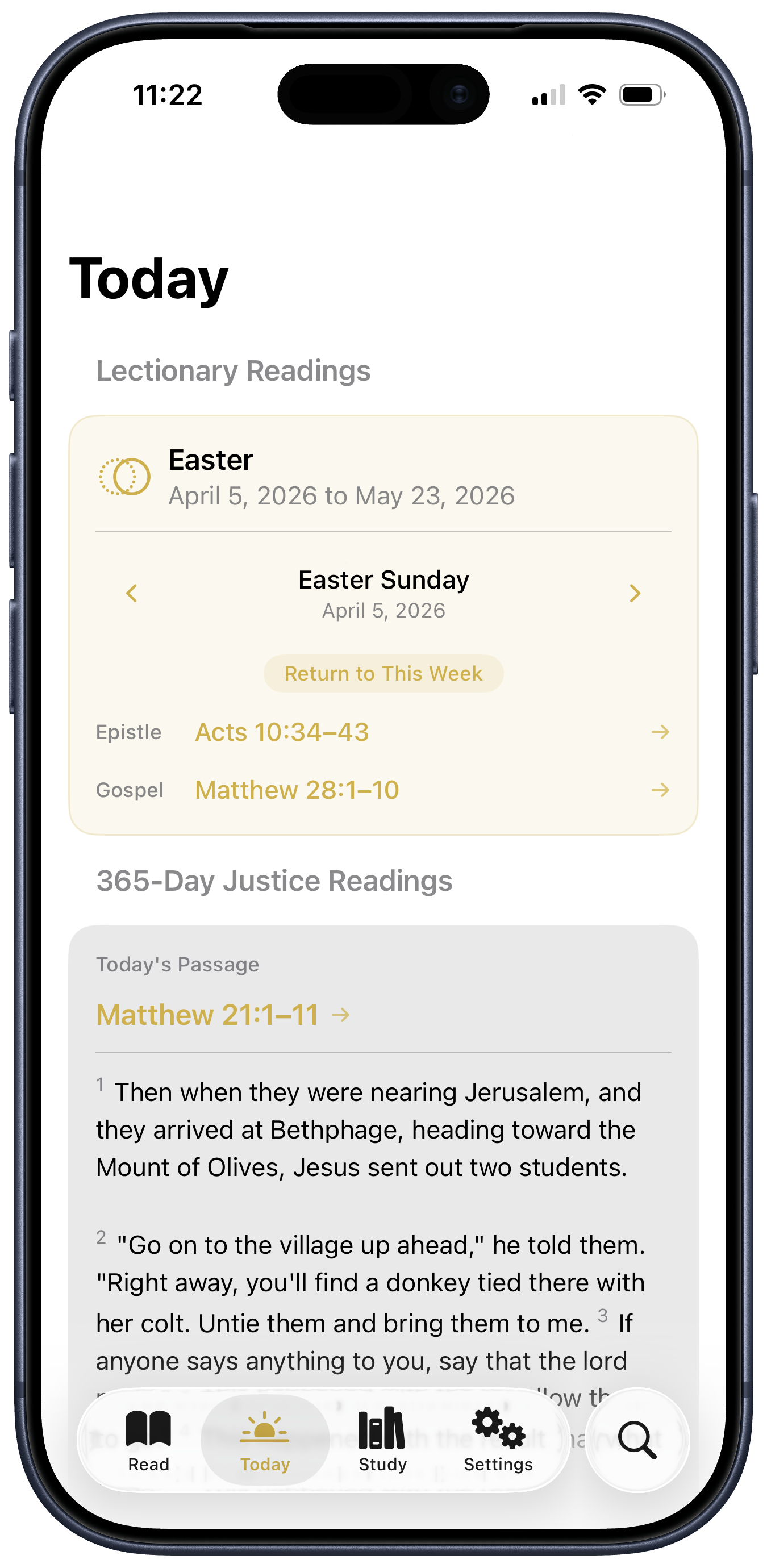
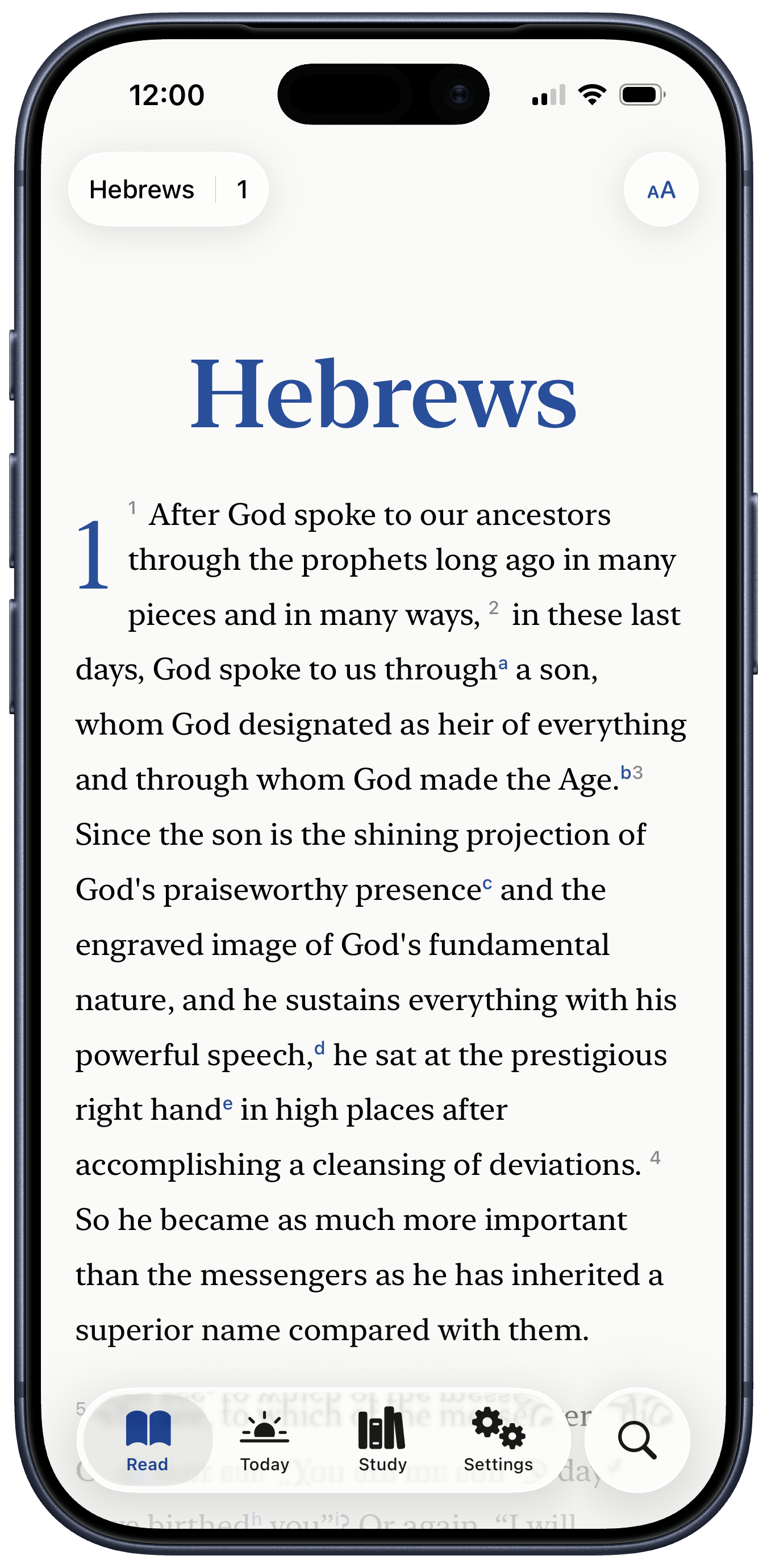
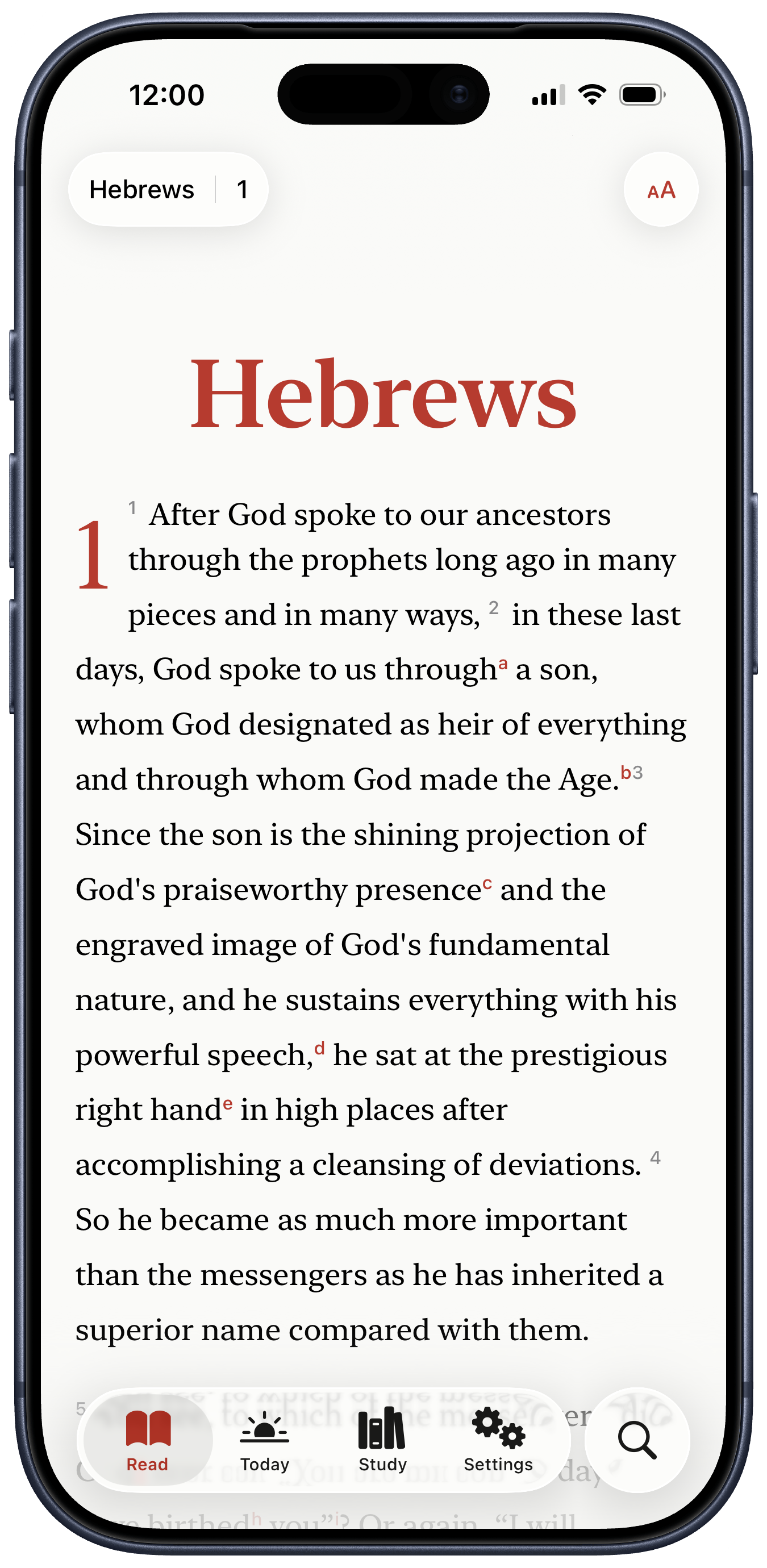
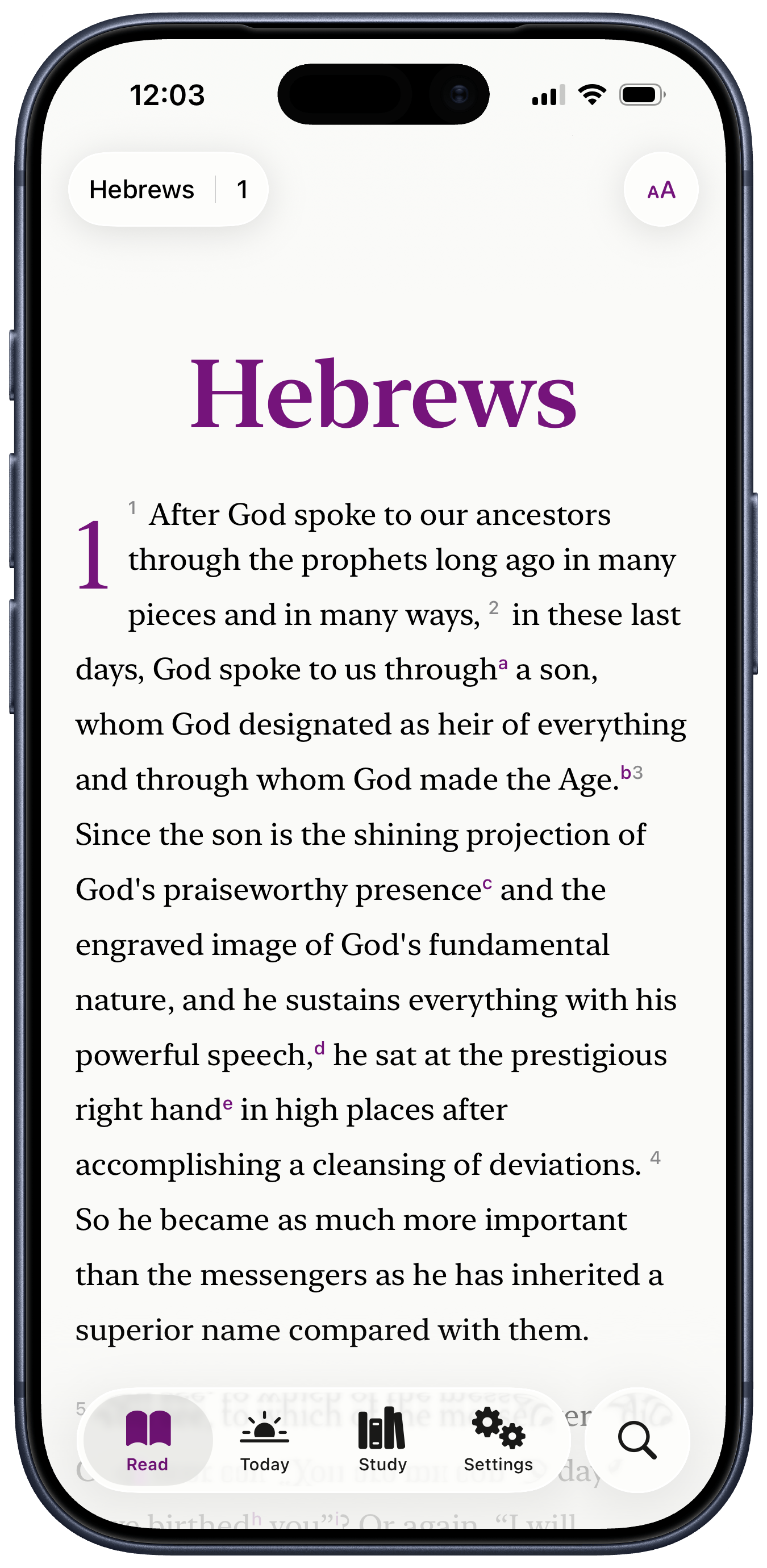
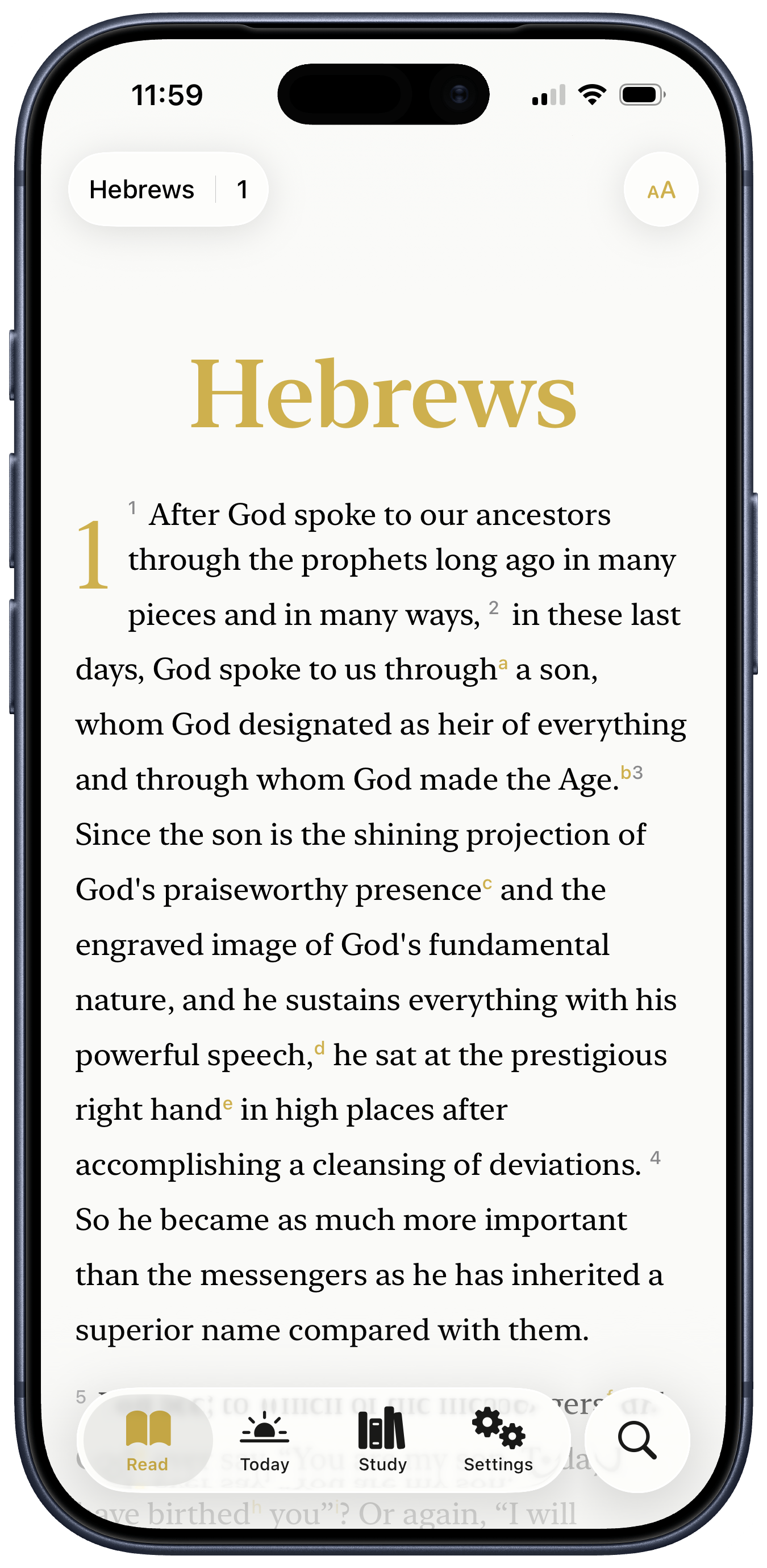
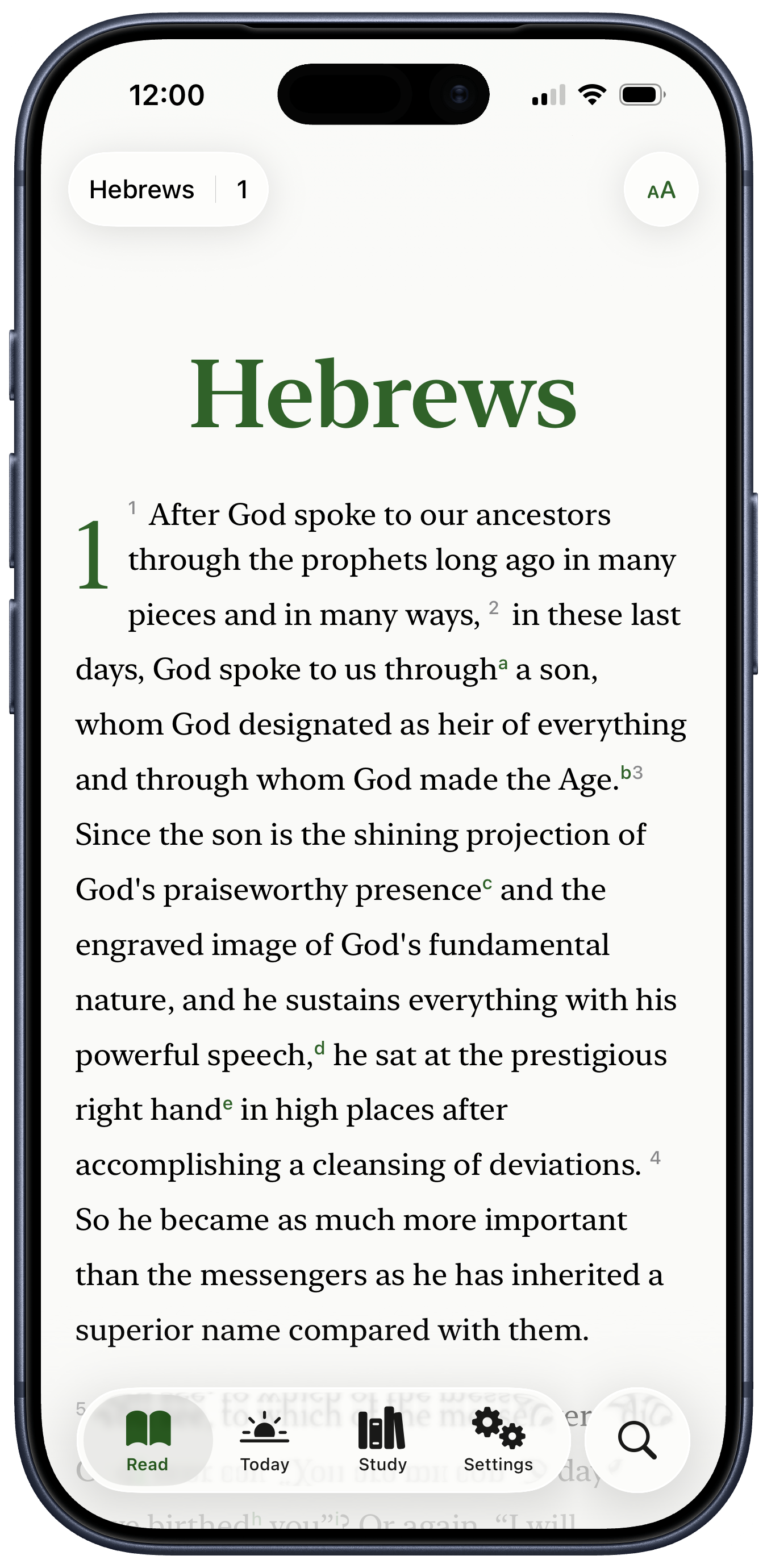
LIT Bible quietly honors the church year by adorning your reading with the liturgical season's colors — royal blue through Advent, red for the twelve days of Christmas, purple in Lent, gold for Easter, and forest green through Ordinary Time. Or choose from one of our hand-picked alternatives.

LIT Bible showing Hebrews 1 with Advent accent color
LIT Bible showing Hebrews 1 with Christmas accent color
LIT Bible showing Hebrews 1 with Lent accent color
LIT Bible showing Hebrews 1 with Easter accent color
LIT Bible showing Hebrews 1 with Ordinary Time accent color
On the big screen

Expand your views
— and your view.

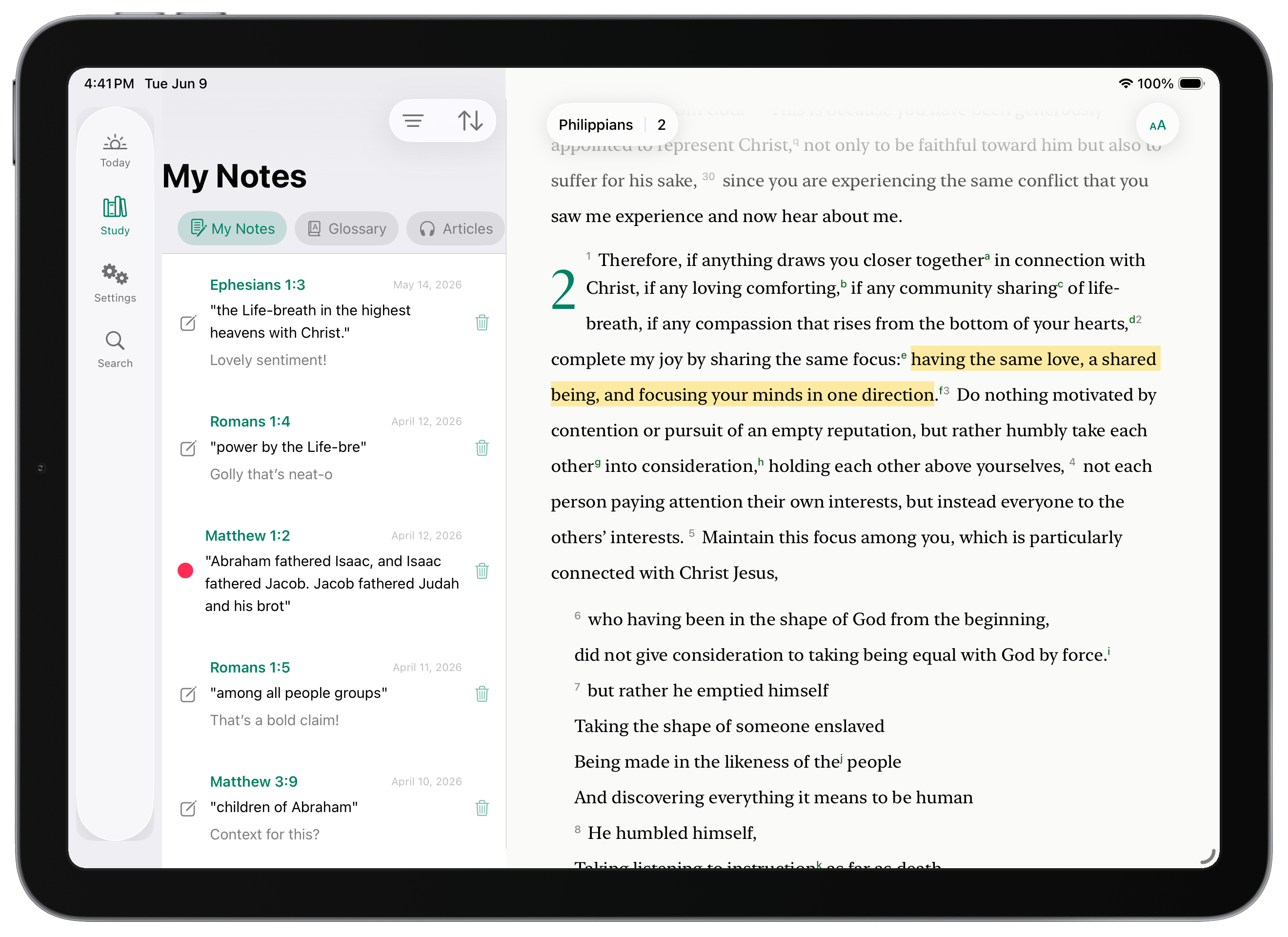
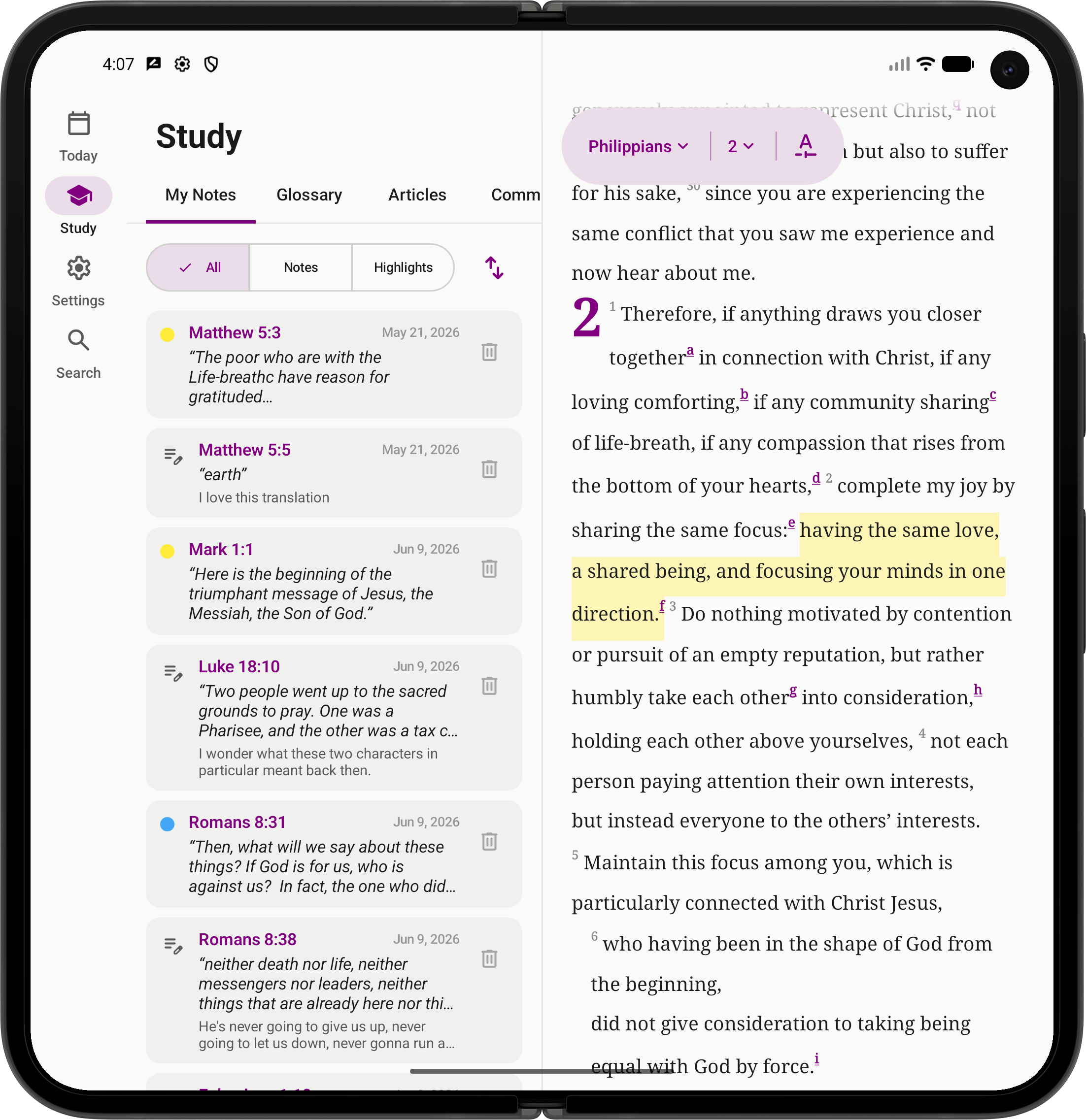
A second panel fans open on a tablet or foldable — your notes, glossary, or articles on one side, the passage on the other, everything in reach.

LIT Bible on an iPad Air in landscape — the My Notes panel beside Philippians 2 in the side-by-side study view
LIT Bible on an unfolded Pixel 9 Fold — a notes and highlights panel beside Philippians 2, in Lent purple
Humane by design

Your reading life is your own.

Open the app and you're reading — no sign-up, no email, nothing to create. Your highlights and notes live in a private database on your own device. If you want them on another, they sync only through your own iCloud or Google account — never a server of ours. We can't see them. No one can.

The whole New Testament is already on your phone, so it works on the subway, on a plane, anywhere at all. It opens fast and stays light. And you can set the type, spacing, and contrast to whatever your eyes want — it respects your system text size and works with your screen reader, because a Bible that's for everyone should be reachable by everyone.

Read our privacy commitments →

Join the beta.

Open beta on both platforms. A couple of clicks of setup — and then it's just an app.

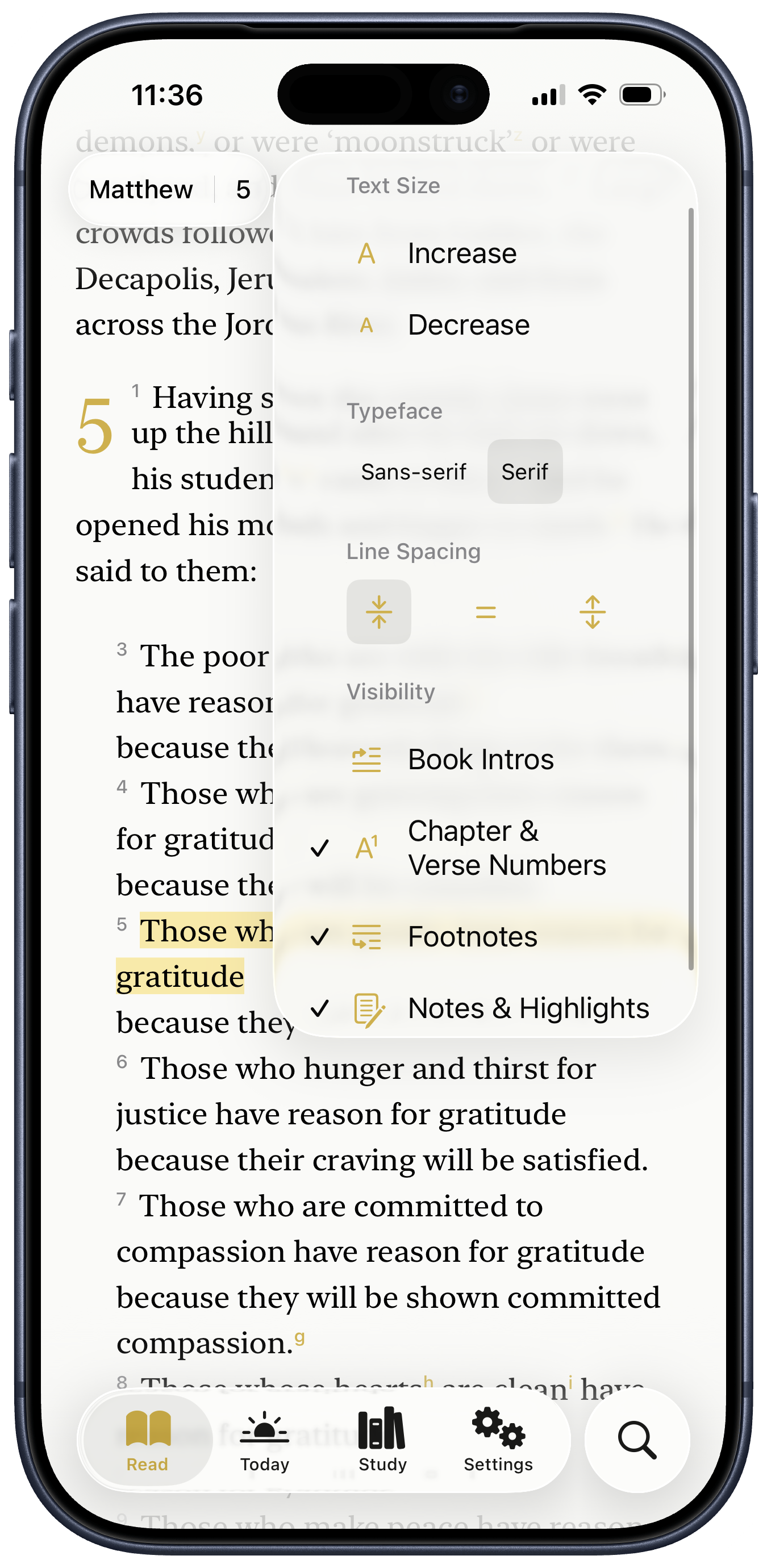
LIT Bible on iPhone — Matthew 5, the Beatitudes, with display options panel

iOS · TestFlight

  1. Tap Join the iOS beta. The link opens TestFlight.
  2. If you don't have TestFlight yet, the link will prompt you to install it first — it's Apple's official beta-testing app.
  3. Tap Accept, then Install. LIT Bible appears on your home screen with a small TestFlight dot next to its name. The dot goes away at launch.
Join the iOS beta →
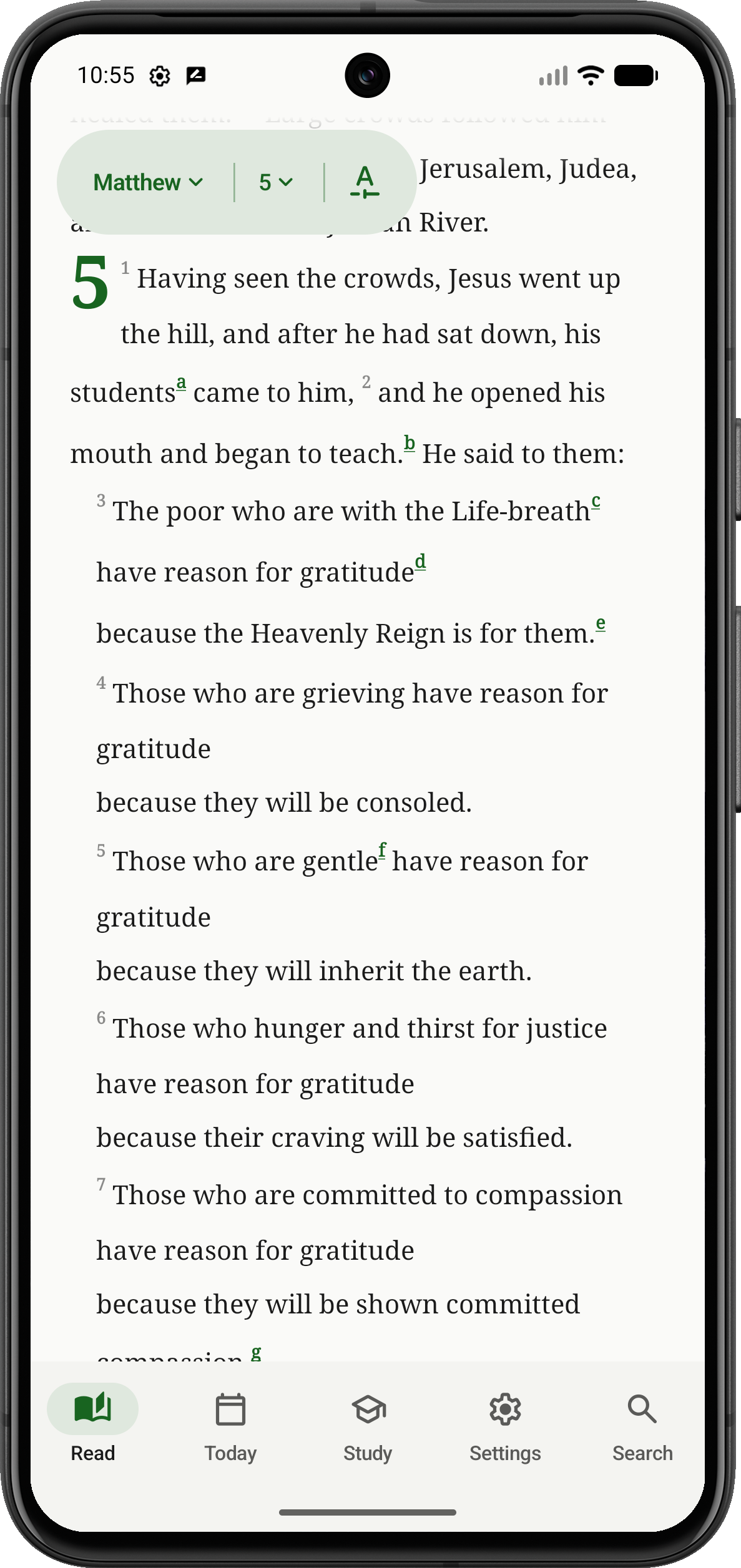
LIT Bible on Android — Matthew 5, the Beatitudes, in Ordinary Time green

Android · Firebase App Distribution

  1. Tap Join the Android beta. You'll land on a Firebase invitation page.
  2. Sign in with the Google account you want the app on, accept the invitation, and install Google's App Tester if you don't have it. (One-time step.)
  3. Tap Install for LIT Bible. Android may ask you to allow installation from this source — it walks you through it.
Join the Android beta →

About the Translation

The Liberation & Inclusion Translation is an independent, scholar-driven rendering of the New Testament — faithful to the Greek, and unwilling to launder the harm the text has been used to justify. It reads from the vantage of the people it was first written to: the poor, the grieving, the pushed-aside.

Read the Translation Commitments →